
Most websites and apps don’t fail because the idea is bad. They fail because users don’t understand what to do next. They hesitate, they get confused, they lose trust—and they leave.
That’s where ux and ui design becomes your biggest advantage.
When your ux and ui design is done right, people move smoothly from first impression to action: they scroll, they understand the value, they feel confident, and they click. That action might be a call, a form, a purchase, a demo booking, or a signup. In every case, ux and ui design shapes the result.
If you want a premium partner that delivers clean interfaces and strong user journeys, start with Iceberg Digital Agency and explore proof through our projects.
What UX and UI Design Really Does for Your Business

Good visuals help—but visuals alone won’t save a confusing experience. Real ux and ui design combines structure and aesthetics to reduce friction and increase trust.
Here’s what strong ux and ui design improves:
Clearer messaging and faster understanding
Users should understand what you offer in seconds. Great ux and ui design makes your positioning easier to grasp through layout, hierarchy, and content flow.
Higher conversion rate
The “path to action” is rarely perfect on the first version. A strong ux and ui design process removes steps, improves CTA placement, strengthens trust signals, and reduces hesitation.
Better engagement and retention
People don’t return to products that feel heavy. Smooth onboarding, predictable navigation, and strong feedback states are core to ux and ui design success.
Lower support and fewer user complaints
If users keep asking the same questions, the interface is not doing its job. Great ux and ui design makes the experience self-explanatory.
Faster development and easier scaling
A component-based design system reduces rework and keeps UI consistent across pages and features—one of the biggest long-term benefits of professional ux and ui design.
To see what premium quality looks like, check our projects.
UI vs UX: The Difference That Matters
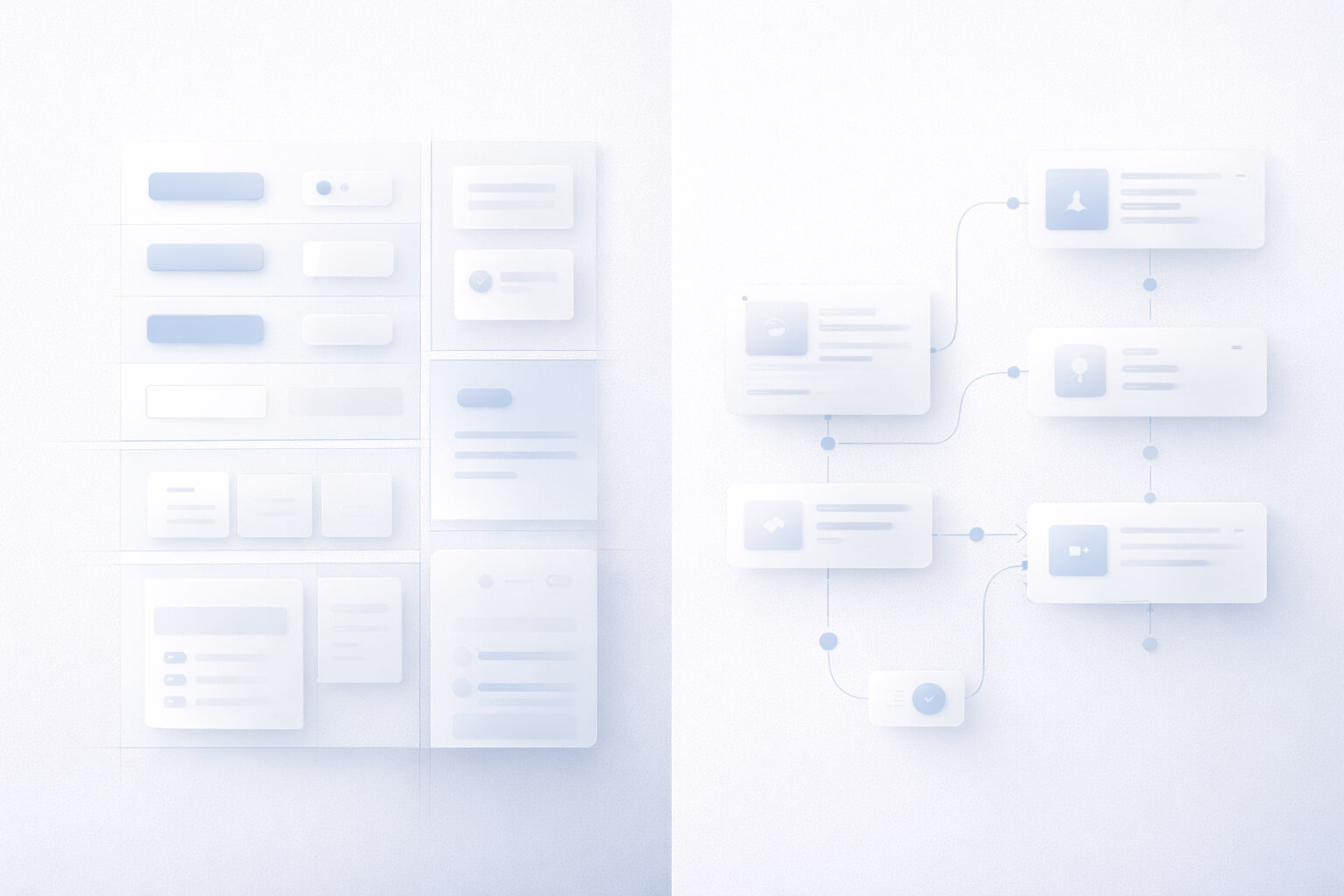
People often say “design” and mean visuals. But ux and ui design is two connected disciplines:
- UX (User Experience): flows, structure, navigation, onboarding, usability, clarity, cognitive load, and friction reduction.
- UI (User Interface): layout, typography, spacing, color, components (buttons, inputs, cards), and consistency through a design system.
A beautiful interface with confusing navigation will still fail. A usable flow with weak UI can still feel untrustworthy. Real results come when ux and ui design work together.
The Foundations of High-Performance UX and UI Design
If you want consistent results, focus on fundamentals. Great ux and ui design relies on repeatable principles:
1) Information architecture (IA)
How content is organized matters as much as the content itself. Strong ux and ui design starts by grouping information in a way that matches how users think.
2) User flows and journey mapping
Users don’t “browse pages”—they complete tasks. Great ux and ui design maps the steps to complete key actions (contact, book, buy, signup) and removes unnecessary steps.
3) Visual hierarchy
Hierarchy guides attention. Strong ux and ui design makes the next action obvious through spacing, contrast, section order, and CTA emphasis.
4) Component consistency
Consistency reduces mental effort. Great ux and ui design uses a component library and design tokens so the product feels stable and predictable.
5) Microcopy (UX writing)
Small words create big confidence. Great ux and ui design improves labels, helper text, and error messages to reduce doubt.
6) States and feedback
Loading, empty, error, and success states are part of the experience. Professional ux and ui design supports users in every situation, not only the “happy path.”
7) Accessibility (WCAG mindset)
Readable typography, contrast, and proper tap targets are essential. Accessible ux and ui design increases usability for everyone.
The UX and UI Design Process (How Real Results Are Built)
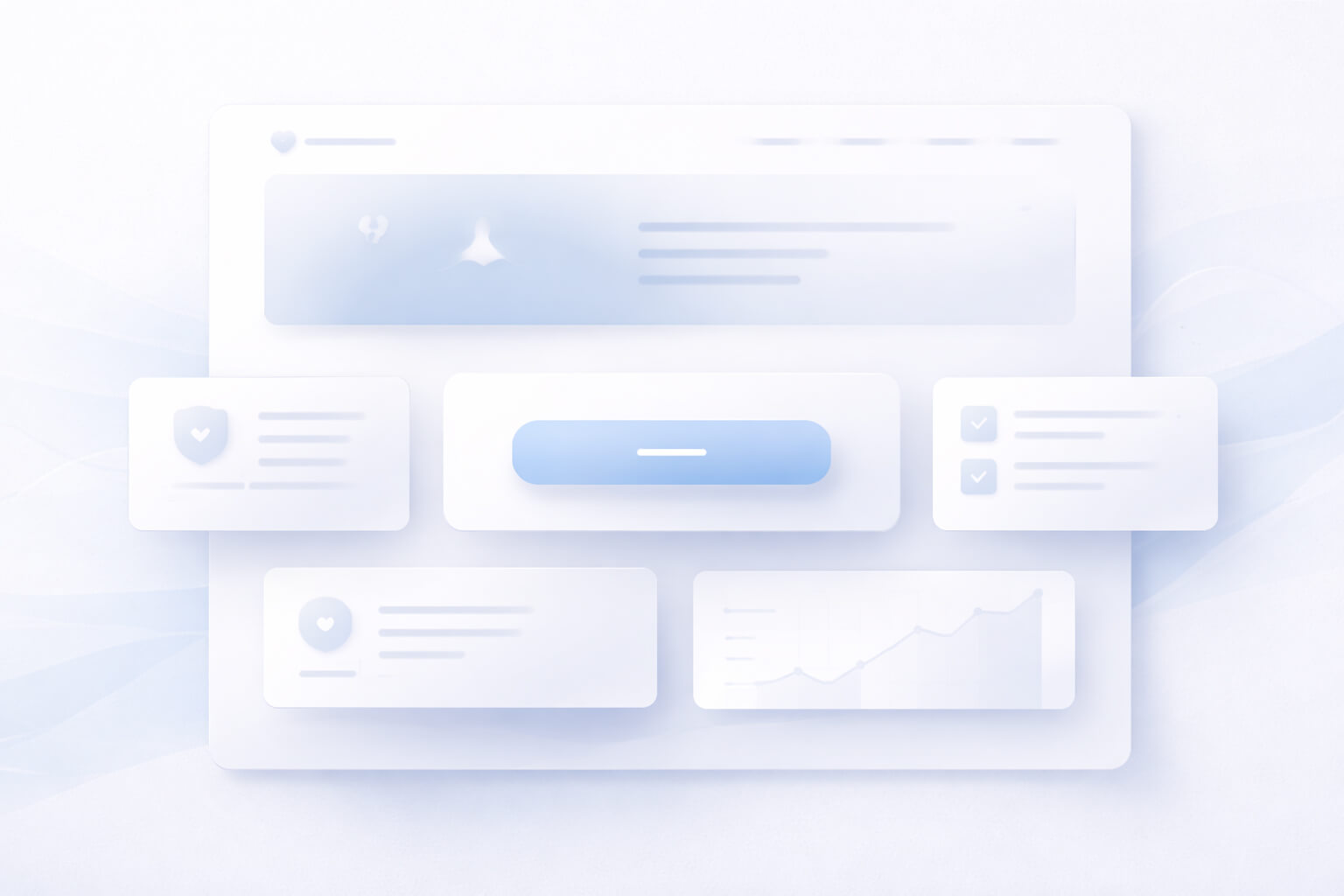
Professional ux and ui design follows a structured approach that reduces risk and speeds up delivery.
Step 1: Discovery and UX audit
This step identifies what’s working, what’s blocking conversion, and where users drop off. It often includes:
- stakeholder alignment
- competitor benchmarking
- analytics review (funnels, drop-off points)
- heuristic evaluation (usability review)
Step 2: Information architecture + user flows
The structure comes next:
- sitemap and navigation
- key task flows
- edge cases (errors, empty states)
Step 3: Wireframes (structure first)
Wireframes validate hierarchy and flow before visual polish—one of the fastest ways to prevent redesign cycles.
Step 4: UI design (high-fidelity)
Now the product becomes premium:
- typography scale
- spacing system (often 8pt grid)
- component styling and states
- responsive behavior
Step 5: Prototyping + usability testing
A clickable prototype reveals friction early. Even lightweight usability testing can uncover major improvements.
Step 6: Design system + developer handoff
A strong handoff includes:
- component library
- design tokens
- UI states
- implementation notes
This is how ux and ui design becomes buildable, scalable, and consistent.
Deliverables You Should Expect (So You Don’t Pay for “Screens Only”)
If you’re investing in ux and ui design, make sure you get deliverables that developers can implement cleanly:
- UX audit (if redesign)
- sitemap / navigation structure
- user flows (core + edge cases)
- wireframes (key screens)
- high-fidelity UI screens
- interactive prototype
- design system essentials (tokens + components)
- states (loading, empty, error, success)
- dev-ready handoff notes
This is what “professional” actually looks like in ux and ui design.
Common UX and UI Design Mistakes That Hurt Conversion
If a site or app feels “not converting,” it usually comes down to these:
Too many steps in key flows
Long forms, long onboarding, and unclear navigation create drop-off. Great ux and ui design simplifies.
Weak CTA hierarchy
If users don’t see the primary action quickly, they pause. Great ux and ui design guides attention.
Inconsistent design patterns
Random button styles and spacing inconsistencies reduce trust. Great ux and ui design is consistent.
Poor error handling and missing states
Generic errors and blank screens create frustration. Great ux and ui design supports users everywhere.
Mobile experience treated as “second”
Mobile-first is mandatory. Great ux and ui design is built for touch and small screens.
Websites vs Apps vs SaaS: Where Focus Changes

The principles stay the same, but priorities shift:
Websites
Website ux and ui design often prioritizes:
- value proposition clarity
- trust signals
- conversion pages and lead capture
- content structure + scanning
Mobile apps
App ux and ui design often prioritizes:
- onboarding and activation
- navigation simplicity
- micro-interactions and feedback
- retention and habit loops
SaaS products
SaaS ux and ui design often prioritizes:
- dashboard hierarchy
- simplifying complex workflows
- scalable design system
- data visualization clarity
Why Iceberg Digital Agency for UX and UI Design
If you want results, you need more than “nice screens.” You need structure, consistency, and a professional delivery process.
At Iceberg Digital Agency, we focus on:
- UX that removes friction and guides action
- UI that looks premium and builds trust
- component-based systems that scale
- dev-ready handoff that accelerates build
If you want to validate quality before you commit, explore our projects.
Ready to Improve Your UX and UI Design?
If your website or app needs a premium upgrade—or you’re launching something new—let’s make it clean, clear, and conversion-ready.
Call / WhatsApp: +212606475635
Or visit Iceberg Digital Agency and tell us what you’re building.
You have not enough Humanizer words left. Upgrade your Surfer plan.